





Description
Product Overview
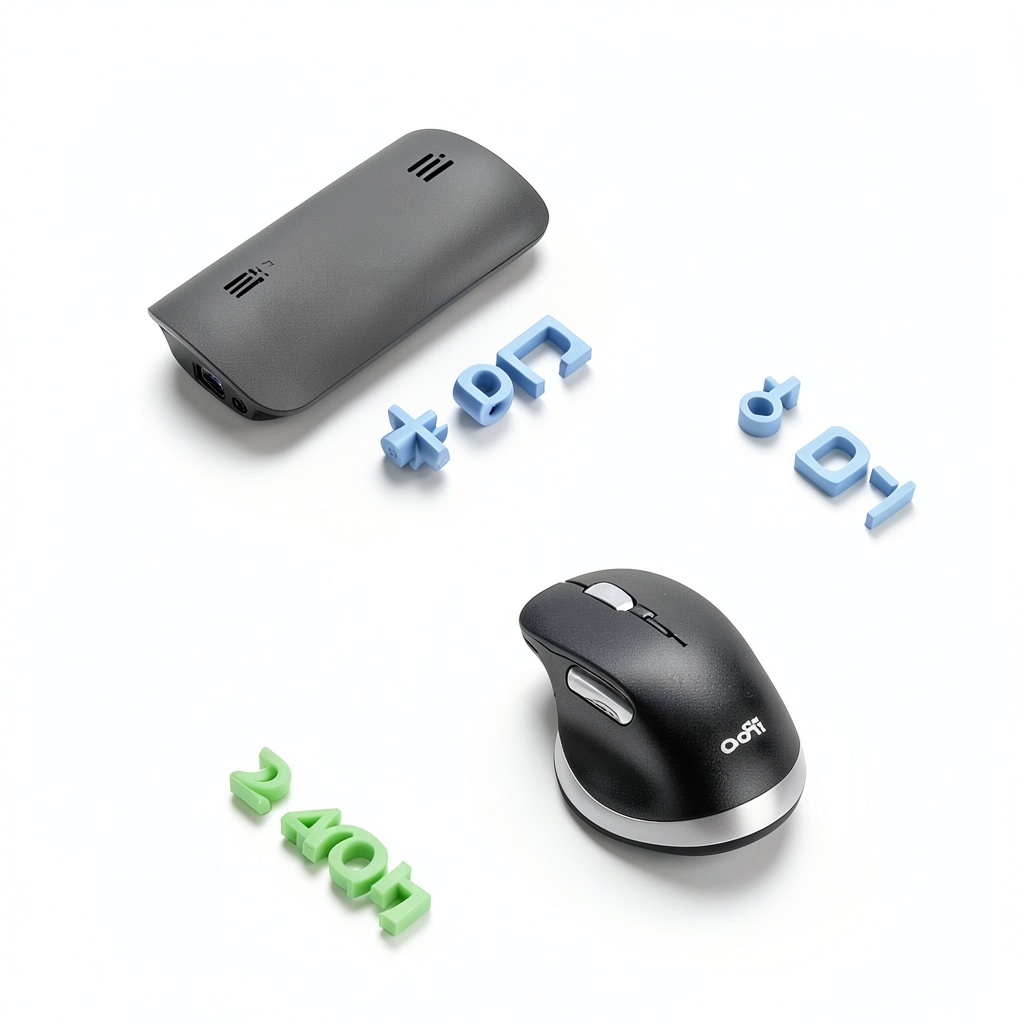
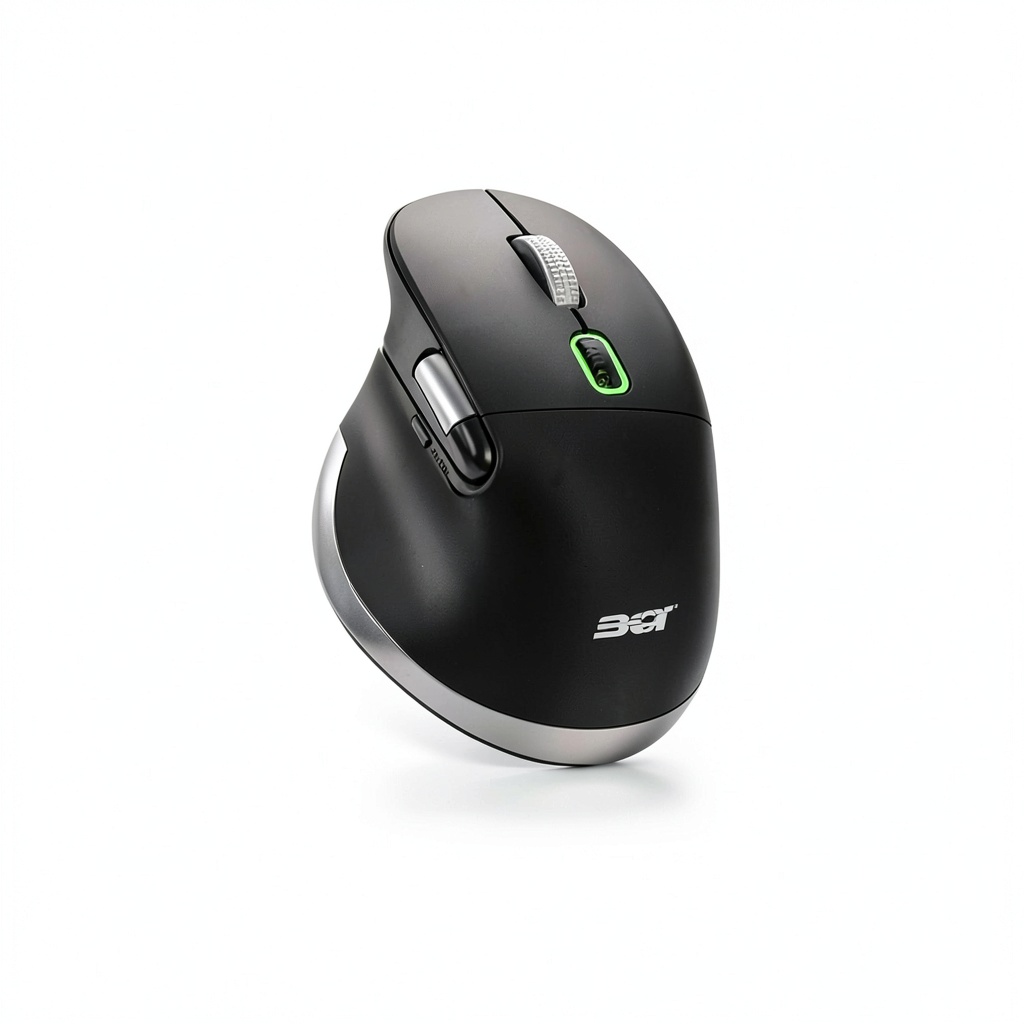
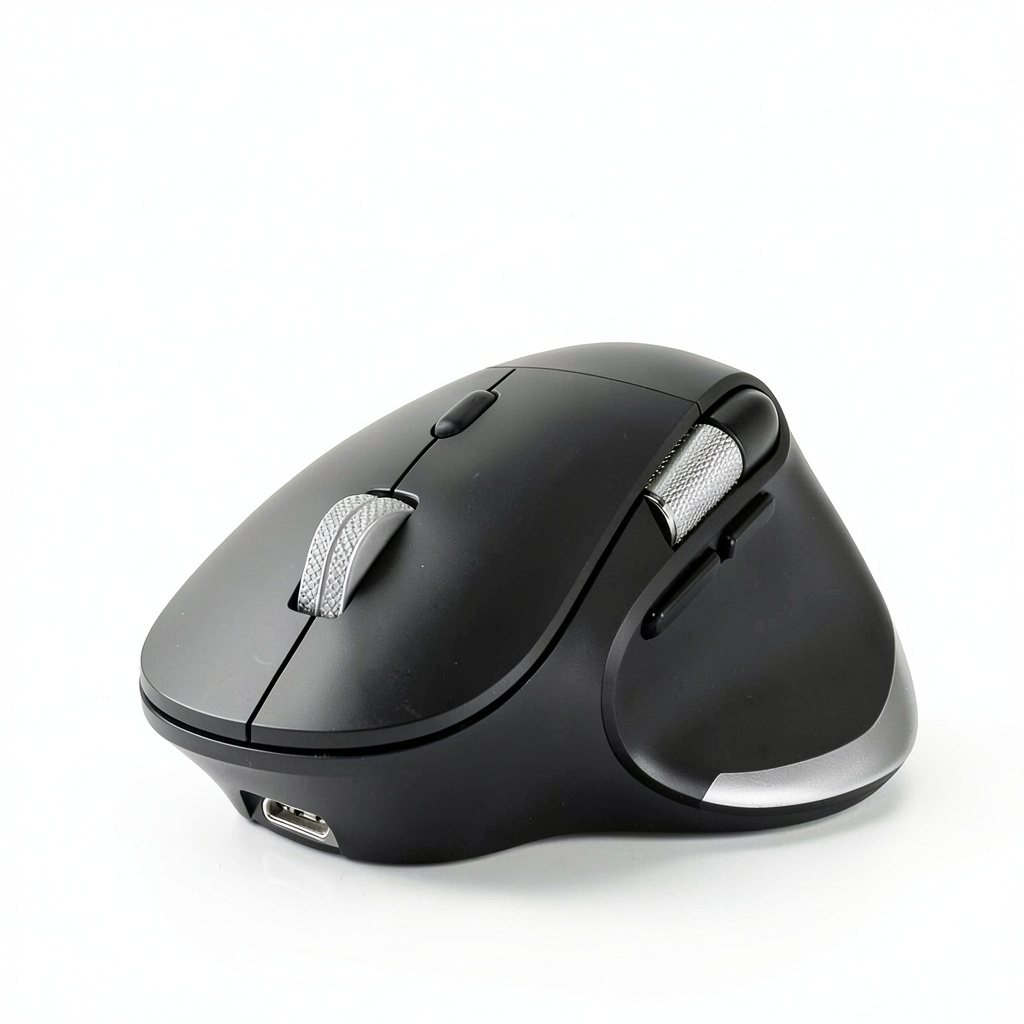
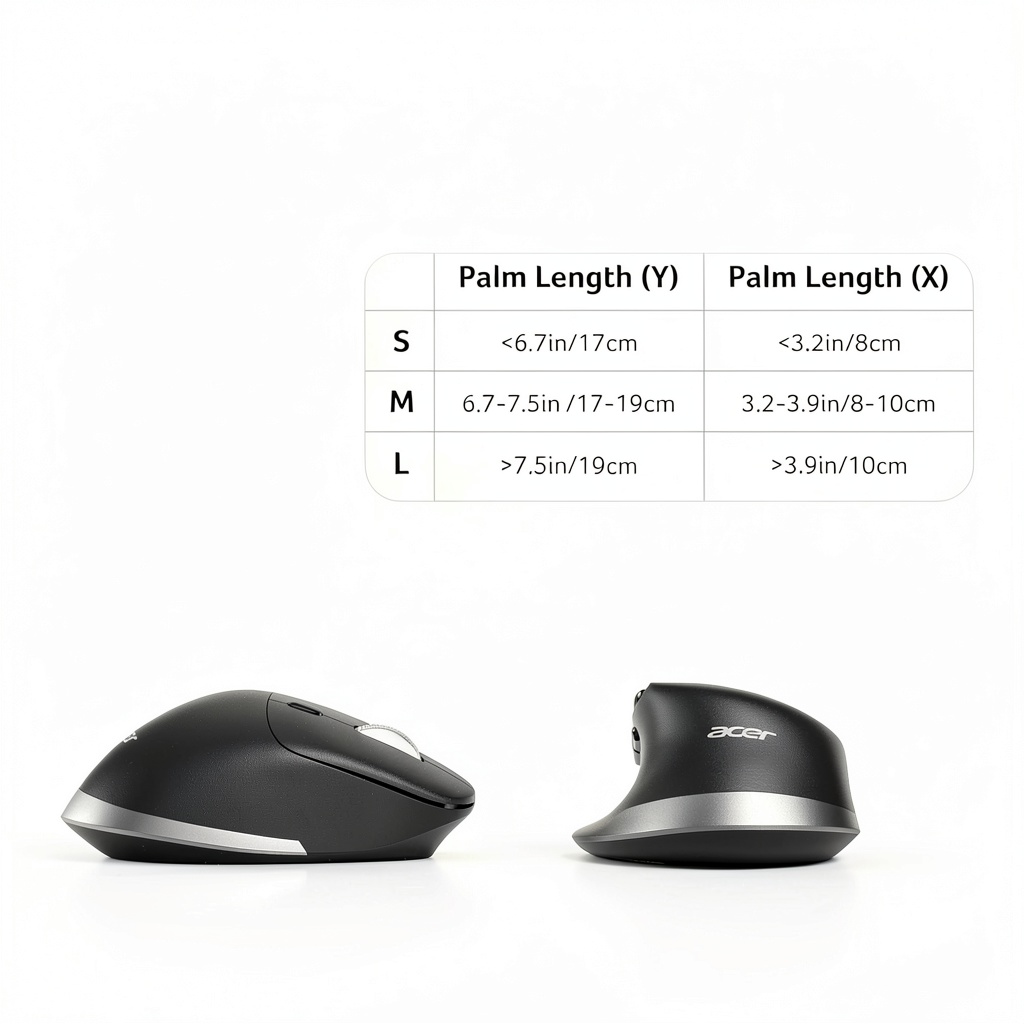
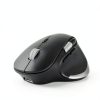
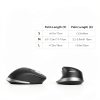
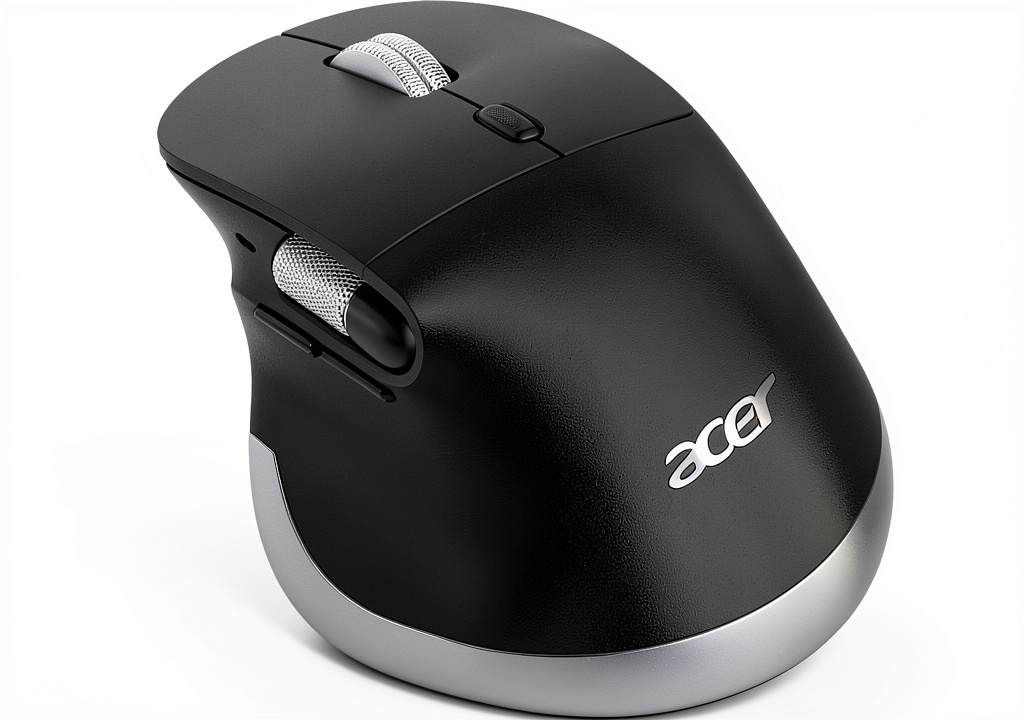
The Acer Ergonomic Wireless Mouse combines advanced connectivity and user-centered design to elevate your computing experience. This rechargeable mouse supports dual-mode operation with Bluetooth 5.2 and 2.4GHz wireless, allowing effortless switching across three devices. Crafted for durability and comfort, it features an ergonomic shape that mimics a natural handshake position, promoting neutral wrist alignment to minimize fatigue during extended use. With six adjustable DPI levels ranging from 800 to 4800, a dedicated side scroll wheel for horizontal navigation, and intuitive forward/back buttons, it delivers precision and efficiency for various tasks. Specifications include a sleek black finish, long-lasting battery life, and compatibility with most operating systems, making it a versatile accessory for modern workflows.
Usage
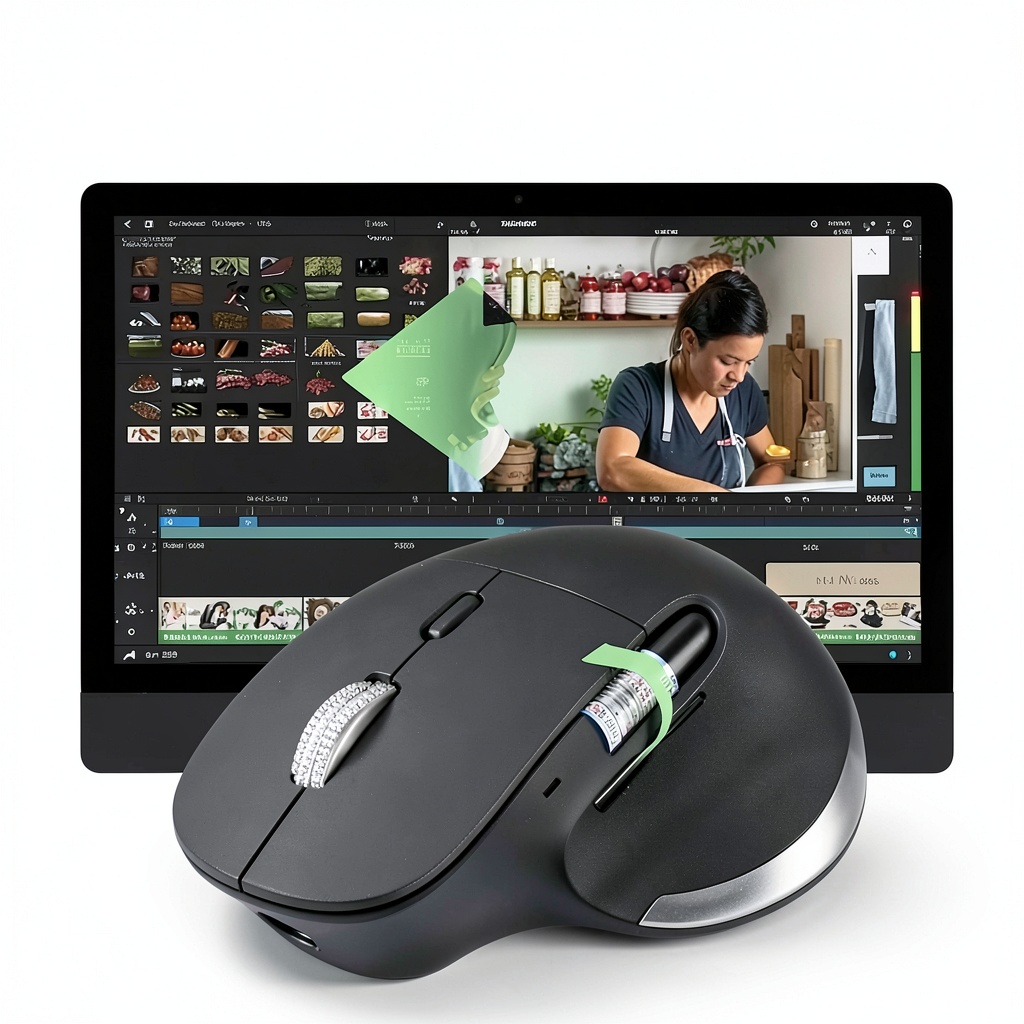
This mouse is designed for dynamic environments where productivity and comfort are paramount. It excels in office settings, supporting professionals who manage multiple devices like computers, laptops, and tablets for tasks such as data analysis, graphic design, and document editing. Students will appreciate its portability and ease of use for studying and presentations, while travelers can rely on its compact design and reliable connectivity on the go. The side scroll wheel is particularly beneficial for video editors, spreadsheet users, and anyone navigating wide timelines or documents, reducing hand movement and streamlining workflows. Whether at home, in the classroom, or during business trips, this mouse adapts to your needs, enhancing efficiency without compromising on ergonomics.
Why Choose Us
Acer stands out with a commitment to quality and innovation, ensuring this mouse meets high standards for performance and reliability. The ergonomic design is backed by research into user comfort, reducing the risk of strain during long sessions. Unlike generic alternatives, it offers seamless device switching without re-pairing, saving time and frustration. The rechargeable battery eliminates the waste of disposable batteries, aligning with eco-friendly practices, while the robust construction ensures longevity even with daily use. Customers benefit from Acer’s trusted brand reputation, responsive customer support, and a focus on delivering products that genuinely improve daily computing experiences.
Key Features
- Switch effortlessly between three devices with dual-mode Bluetooth and 2.4G connectivity for enhanced productivity.
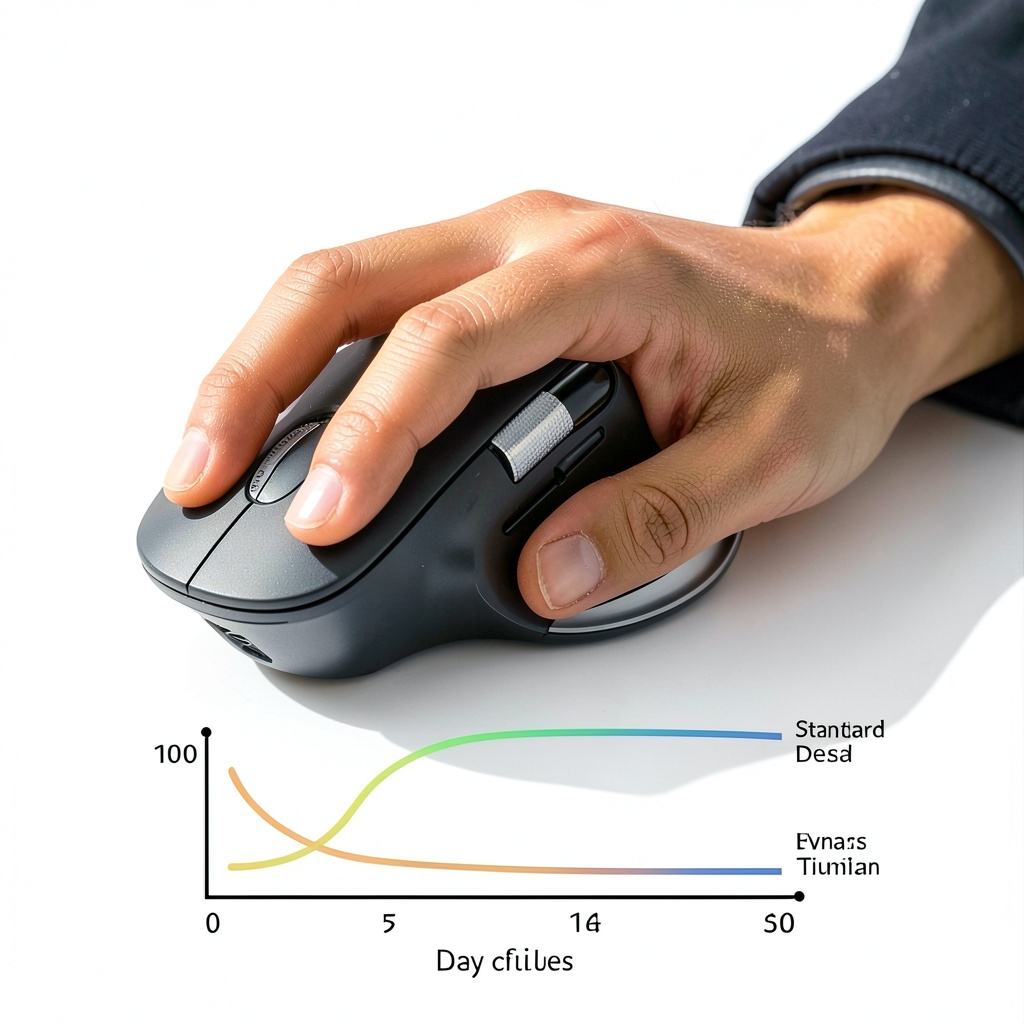
- Ergonomic handshake design reduces wrist strain and promotes comfort during extended use.
- Six adjustable DPI settings from 800 to 4800 allow precise cursor control for various tasks.
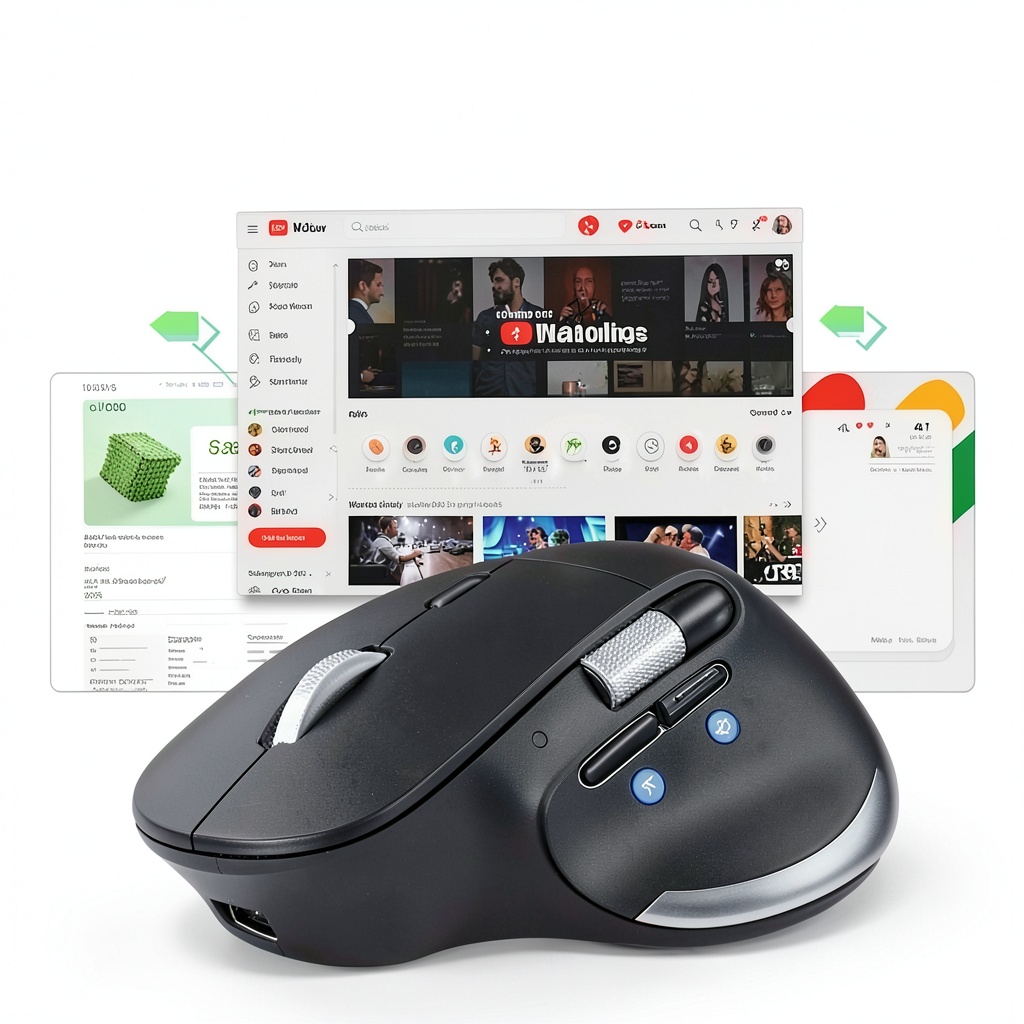
- Side scroll wheel enables smooth horizontal navigation in spreadsheets, videos, and wide documents.
- Dedicated forward and back buttons streamline browsing and application switching for efficient workflow.
FAQ
How do I switch between Bluetooth and 2.4G modes?
Press the Mode Switch Button on the mouse to cycle through 2.4G, BT1, and BT2 connections; note that Bluetooth and 2.4G cannot be used simultaneously.
Is this mouse compatible with Mac and Windows systems?
Yes, it works with most operating systems including Windows, macOS, Chrome OS, and Linux, ensuring broad device support.
How long does the battery last on a full charge?
The rechargeable battery provides up to several weeks of typical use, depending on usage patterns, and can be charged via USB-C cable.
Can I use the side scroll wheel for gaming?
While it supports general navigation, it is optimized for productivity tasks like editing and browsing rather than high-speed gaming.
What is included in the package?
You will receive the mouse, a USB-C charging cable, a 2.4G wireless receiver, and user documentation for easy setup.




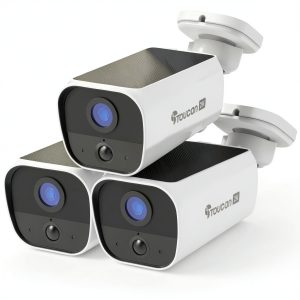
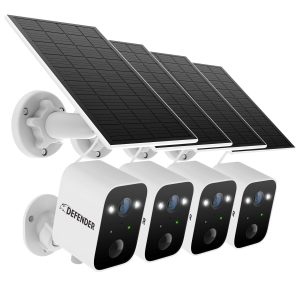
 WD Green SN3000 NVMe SSD Gen4 PCIe M2 2280 Internal Storage
  La Crosse Weather Station Wireless Temperature Humidity
  Toucan S5 Solar Wireless Security Camera 4 Pack White
 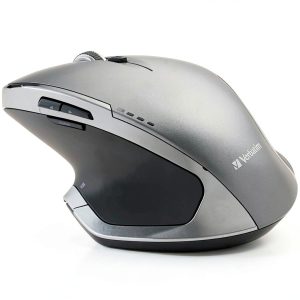 Verbatim Wireless Mouse Ergonomic 8 Button Blue LED
 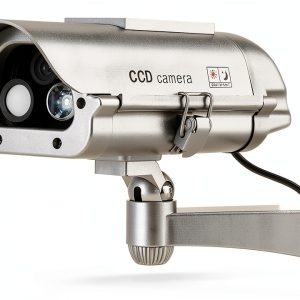 SPT Solar Powered Security Decoy Camera Motion Sensor Flash
  Keychron M6 Ergonomic Wireless Laser Mouse Macro Button
  Contour Design Unimouse Ergonomic Wireless Left Handed Mouse
 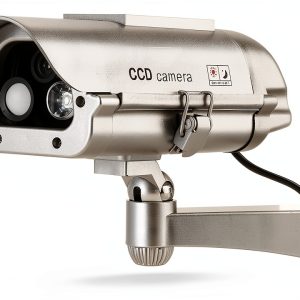 SPT Solar Powered Security Decoy Camera Motion Sensor Flash
  SPT Solar Security Camera Decoy Indoor Outdoor LED
 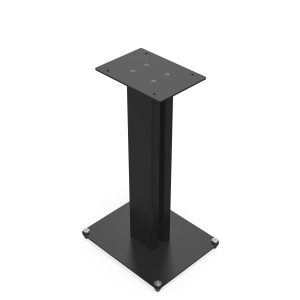 Klipsch Bookshelf Speaker Stands Threaded Inserts Cable
 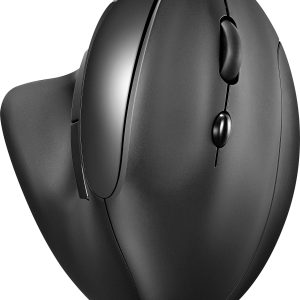 Insignia Bluetooth Ergonomic Mouse 6 Button Wireless Black
 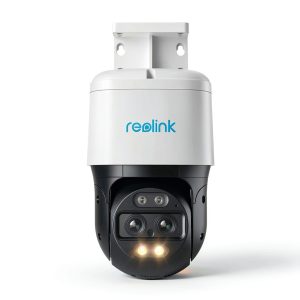 Reolink 4K PoE PTZ Security Camera Auto Tracking Outdoor
  Paper Like Screen Protector iPad Pro 11 2024 Matte Drawing
  SPT Solar Decoy Security Camera Indoor Outdoor LED Silver
  Macally USB Wired Mac Keyboard and Mouse Combo Ergonomic
 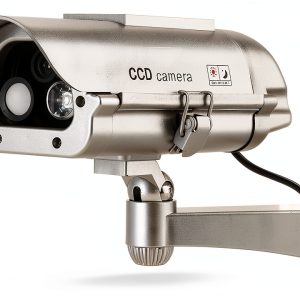 SPT Solar Powered Security Decoy Camera Motion Sensor
 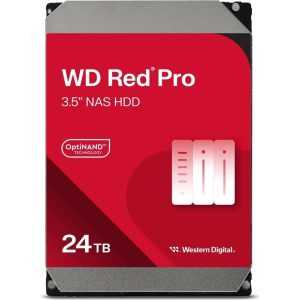 Western Digital Red Pro 24TB NAS Hard Drive 7200 RPM
  Honeywell T10 Pro Smart Thermostat with RedLINK 3.0 and
 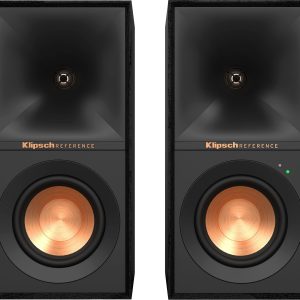 Klipsch R 40PM Powered Speakers 4 Inch 35W Pair Black
  Klipsch RSM 400 Indoor Outdoor Speaker White Two Way
 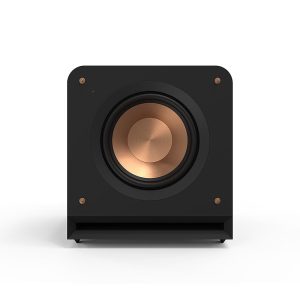 Klipsch RP 1200SW 12 Inch 600W Subwoofer Black
  Huion Kamvas 13 Gen 3 Pen Display for Artists
  Western Digital WD40EZRX 4TB SATA Green Hard Drive
Reviews
There are no reviews yet.